Digital Color Meter, the color picker that comes with macOS, reads the pixel under the pointer and copies its value. It has no history, no palettes and no contrast check, and you have to open it from Utilities every time. If that's what sends you looking, the usual alternatives are menu bar apps: Pika, System Color Picker, ColorSlurp, Sip, and Tinta, which we make.
In short: Pika is free and open source and runs on macOS 14. System Color Picker is $4 and uses the system's own color window. ColorSlurp has an iPhone app and syncs palettes. Sip is $29.99 and is built for teams. Tinta is free, makes a palette from any part of the screen, and works without a network connection.
What Digital Color Meter does, and where it stops
It's worth knowing what you already have. Digital Color Meter shows a magnified view of the screen and the color value under the pointer. You can change the aperture size, lock the position with ⌘L, show the value as hexadecimal from View > Display Values, and copy it with ⇧⌘C. If that's new to you, we wrote up how to get a hex code with it.
Where it stops:
- It keeps nothing. Copy a second color and the first one is gone.
- One color at a time. It can't make a palette.
- It shows raw color values in a few notations. There's no HSL, OKLCH, or code such as a SwiftUI color.
- No contrast ratio, and no shades or harmonies.
- It isn't in the menu bar and has no shortcut that works from other apps.
The five apps side by side
| Tinta | Pika | System Color Picker | ColorSlurp | Sip | |
|---|---|---|---|---|---|
| Price | Free. Tinta Pro is $9.99 in the US, paid once | Free | $4, paid once | Free download with a paid Pro upgrade | $29.99, with a free trial. Also on Setapp |
| macOS | 26.0 or later | 14 or later | 26.4 or later | 14.6 or later | Not stated on its site |
| Menu bar | Yes | Yes, or the Dock | Yes, or a normal app | Yes | Yes |
| Formats | 11: HEX, RGB, HSL, HSB, OKLCH, Display P3, CMYK, SwiftUI, UIColor, NSColor, Flutter | 8: Hex, RGB, HSB, HSL, LAB, OpenGL, OKLCH, Display P3 | Hex, HSL, RGB, Unit RGB, OKLCH, LCH, CMYK, HSB | Many, plus custom formats you define | Changes format to suit the app you're in |
| Palettes | From an area of the screen or an image, 4, 6 or 8 colors | History only | Palettes and recent colors | Palette manager, synced across devices | Palettes with team sharing and sync |
| Contrast | WCAG, against white and black | WCAG and APCA, between two colors you pick | Not stated on its site | WCAG and APCA, between two colors | Finds and fixes low-contrast pairs |
| Get it from | Mac App Store | Mac App Store, direct download, Homebrew | Mac App Store | Mac App Store | sipapp.io, Setapp |
The four apps we don't make are described from their own sites and listings: superhighfives.com/pika, sindresorhus.com/system-color-picker, colorslurp.com (and ColorSlurp's Mac App Store listing), and sipapp.io, read on November 25, 2026. We didn't test them for this post. "Not stated" means the page we read didn't say, so check the App Store listing before you buy.
Pika
Pika is free and open source, and its site says it's built for macOS Sonoma and newer. It sits in the menu bar or the Dock, copies eight formats, and has a magnified loupe. Its strongest feature is contrast. You pick a foreground and a background and it reports WCAG and APCA compliance for the pair.
Pick Pika if you want a free picker on macOS 14 or 15, or you check text contrast against real backgrounds all day. It doesn't describe palettes, only a color history.
System Color Picker
System Color Picker puts the standard macOS color window in its own app, with palettes, recently picked colors, and copy shortcuts for each format. Its site says it's $4, paid once, and that the current version requires macOS 26.4 or later. It was free for its first five years. The sampler is the one macOS provides, so it looks and behaves like the eyedropper in every other Mac app.
Pick it if you like the system color window and want it one click away.
ColorSlurp
ColorSlurp is the one with an iPhone app, including a color picker that uses the camera. Its site describes a magnifier, a contrast checker for WCAG and APCA, palettes that sync between devices, and exports that include Sketch, Procreate, .ase, CSS and Swift. The Mac app is a free download. The site mentions a paid Pro upgrade but doesn't give its price.
Pick ColorSlurp if you collect colors on your phone as well as your Mac.
Sip
Sip costs the most, $29.99, and does the most for teams. Its site describes palettes with sub-palettes, sharing and sync between devices, a dock of colors that stays on a screen edge, a contrast tool that suggests fixes, and formats that switch according to the app you're working in. There's a free trial, and it's included in Setapp.
Pick Sip if a team shares palettes, or you already pay for Setapp.
Tinta
Tinta is the one we make, so read this section with that in mind.
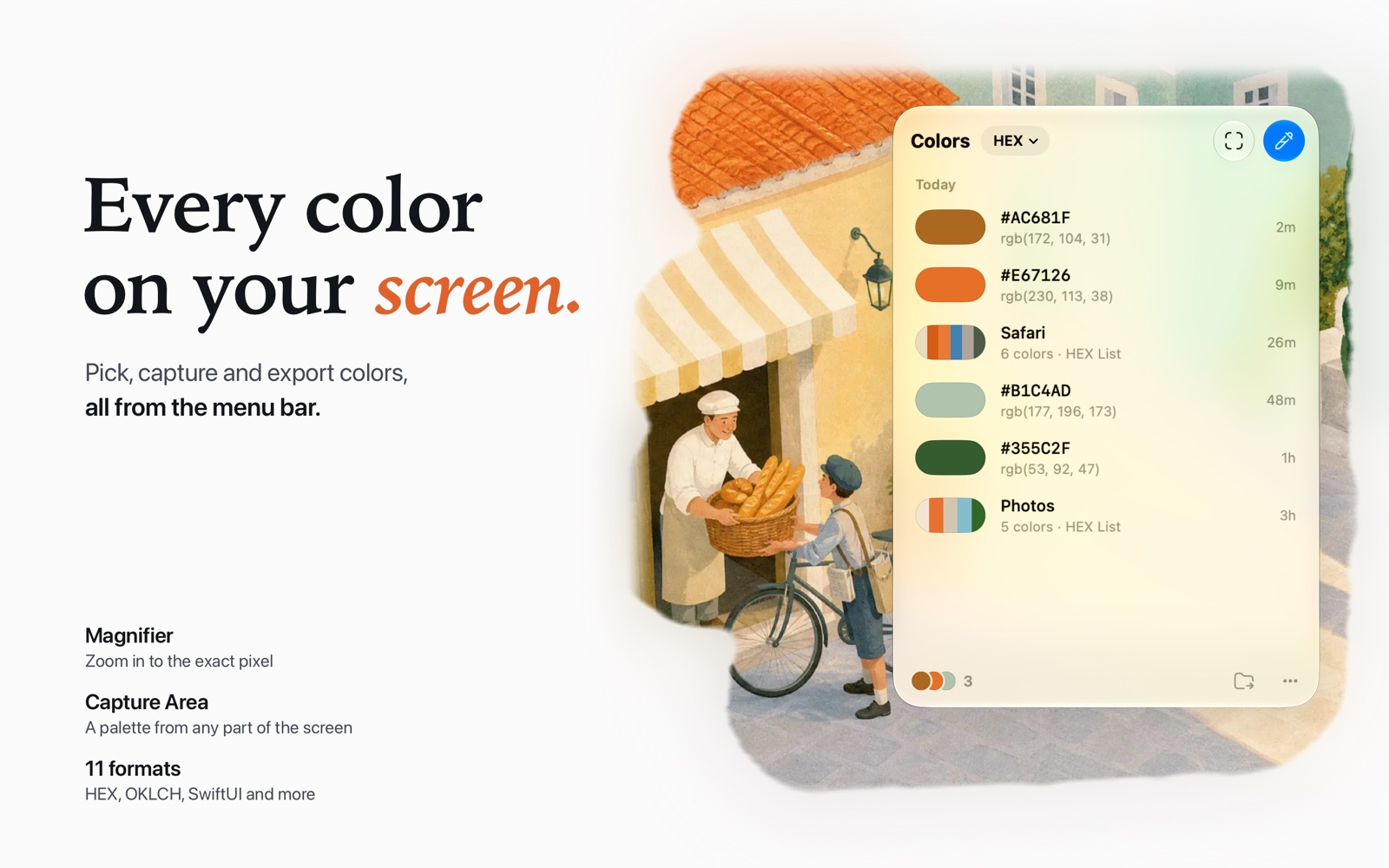
Press ⌃⇧I from any app and click a pixel. Press ⌃⇧A and drag over part of the screen, and Tinta turns that area into a palette of 4, 6 or 8 colors. You can also drop an image on the menu bar icon. Every pick goes into History.
Open a color and you see shades from 50 to 950, generated in OKLCH, its harmonies, its WCAG contrast, and the closest Tailwind, CSS and Apple system colors. A color-blind preview shows how it looks with Protan, Deutan, Tritan and Mono vision. All of this is in the free download, along with the 11 copy formats and export to an Apple Color List or a GIMP palette.
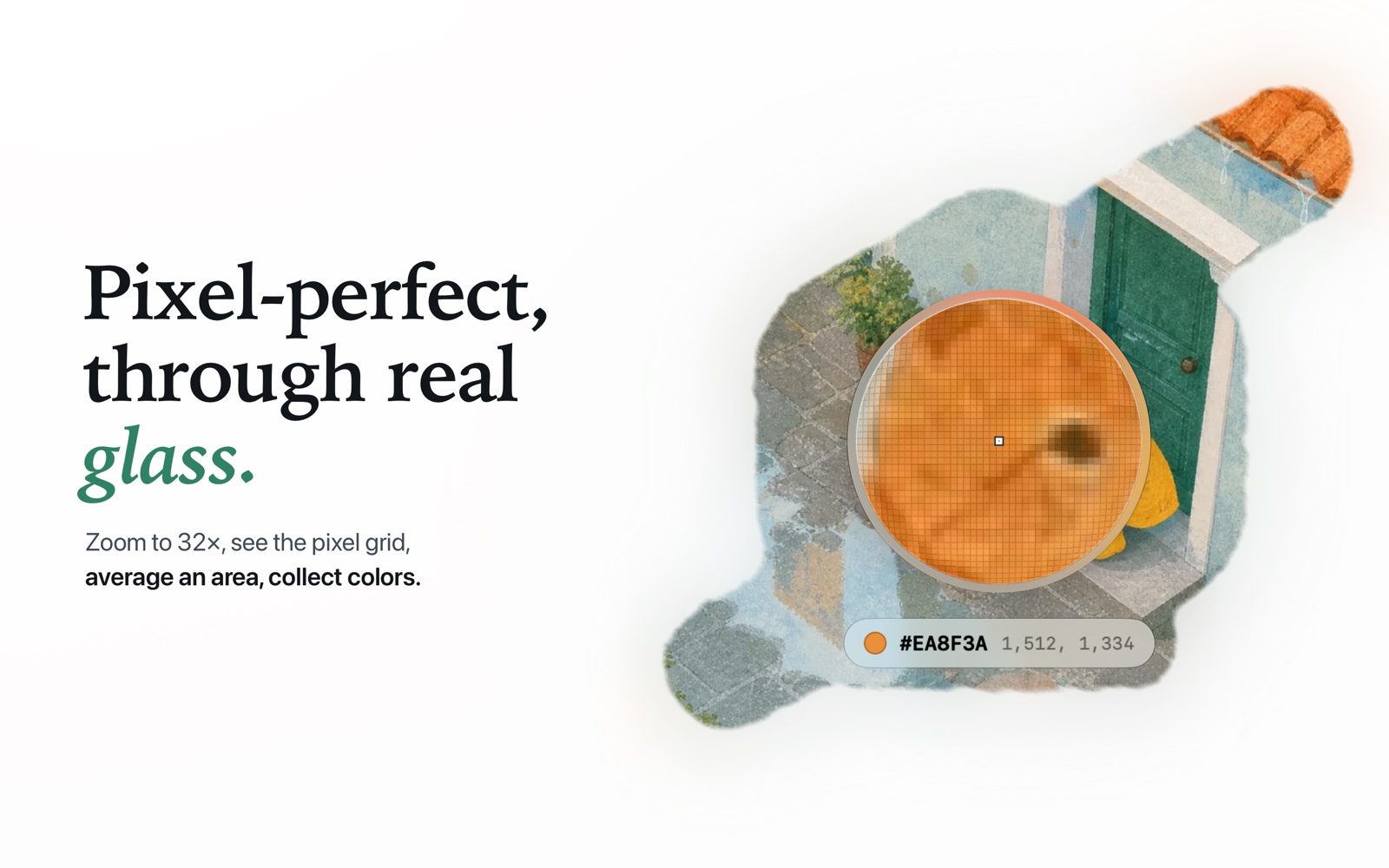
Tinta Pro is a one-time in-app purchase of $9.99 in the US. It adds a magnifier that zooms from 4× to 32× with a pixel grid, reading a gradient from the screen as CSS, SwiftUI or Tailwind, export of shades and palettes to more formats (Tailwind, CSS variables, Design Tokens, Adobe .ase, Procreate, Xcode), and 3 months of history. The free download shows the last 7 days.
Tinta has no account and makes no network connections of its own. The only thing that goes online is the Tinta Pro purchase, which Apple's App Store handles.
What Tinta doesn't do: it has no iPhone app and no sync between devices. It shows a color's contrast against white and against black, and doesn't compare two picked colors the way Pika and ColorSlurp do. And it needs macOS 26.0 or later, so on macOS 15 Sequoia or earlier it won't install.
Which one to choose
- You need one hex code, once: stay with Digital Color Meter.
- You're on macOS 14 or 15 and want a free picker: Pika.
- You check foreground and background contrast constantly: Pika or ColorSlurp.
- You want the system color window in the menu bar: System Color Picker.
- You pick colors with your iPhone camera too: ColorSlurp.
- Your team shares palettes: Sip.
- You want palettes from the screen, shades for a design system, or gradients as code, and nothing sent to a server: Tinta.
Tinta is a free download on the Mac App Store.
Digital Color Meter alternatives FAQ
Is there a free alternative to Digital Color Meter? Yes. Pika is free and open source. Tinta is a free download with an optional one-time Pro purchase. ColorSlurp is also a free download with a paid upgrade.
Which Mac color picker lives in the menu bar? All five do: Tinta, Pika, System Color Picker, ColorSlurp and Sip. Digital Color Meter is a regular window you open from Applications > Utilities.
Which color picker works on older versions of macOS? Pika's site says macOS 14 or later, and ColorSlurp's Mac App Store listing says macOS 14.6 or later. Tinta needs macOS 26.0 and the current System Color Picker needs macOS 26.4. Digital Color Meter comes with every version.
Can any of these make a palette from an image? Tinta makes one from part of the screen or from an image dropped on its menu bar icon. ColorSlurp's site describes a palette generator from images.
Is Tinta a subscription? No. The download is free, and Tinta Pro is $9.99 in the US, paid once.