

Tinta is a color picker that lives in the Mac menu bar. Pick any color on the screen, turn an area into a palette, and copy it in the format you need. The download is free. Tinta Pro is $9.99 in the US, paid once, and it isn't a subscription.
The desktop above is a demo of the panel in the browser. The colors it starts with are samples.
Pick
Click the eyedropper in the panel, or press ⌃⇧I from anywhere, then click the pixel you want. Paste a color value in almost any format and Tinta reads it. There is also a Pick Color action in Shortcuts.
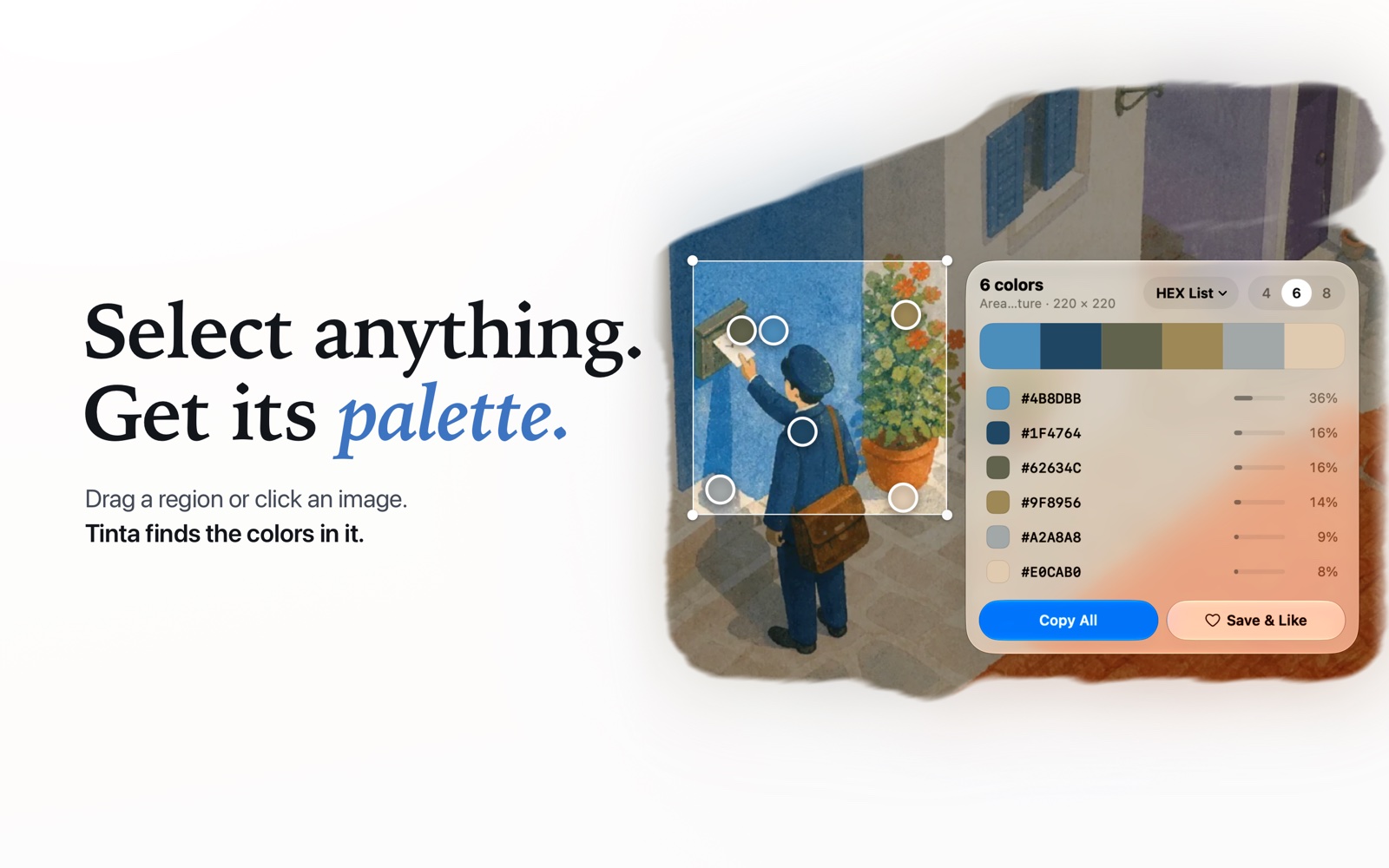
Press ⌃⇧A and drag over part of the screen, or drop an image on the menu bar icon. Tinta turns that area into a palette of 4, 6, or 8 colors.
A closer look at the pixel
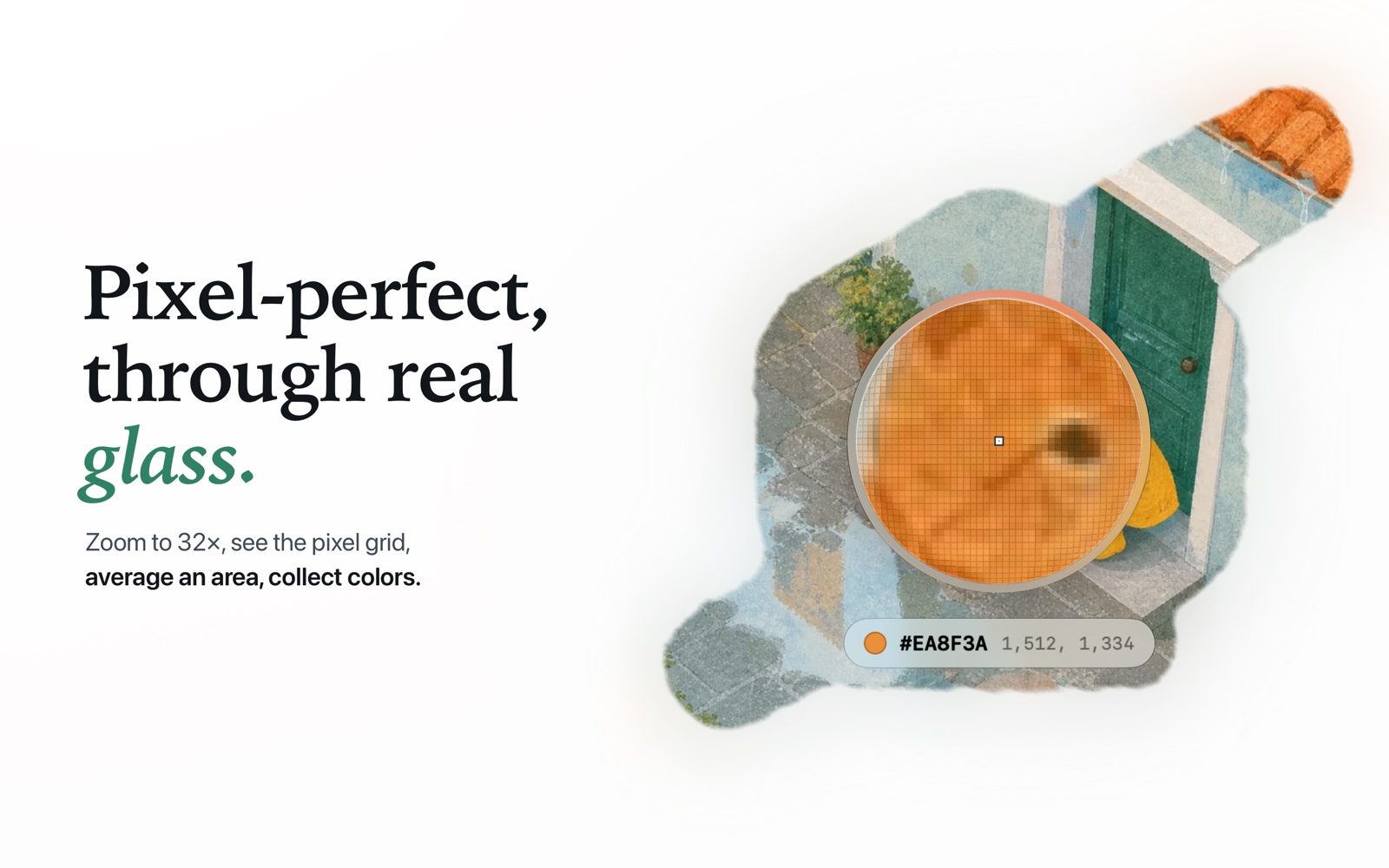
Tinta Pro adds a magnifier. Zoom from 4× to 32×, show the pixel grid, average over 1 pixel, 3×3, or 5×5, and nudge one pixel at a time. You can collect several colors in a row before you finish.
Gradients
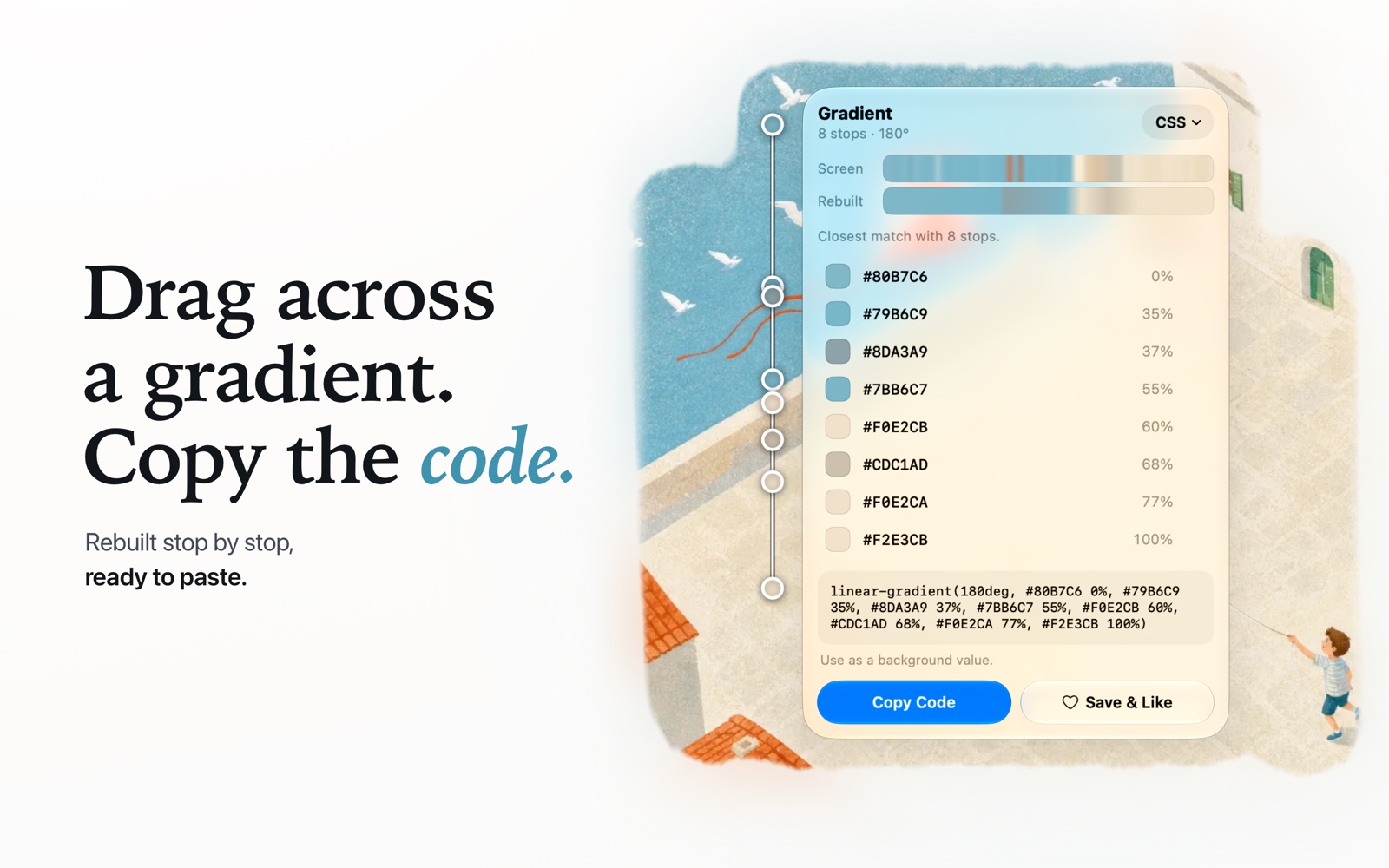
Also in Tinta Pro: drag across a gradient and copy it as CSS, SwiftUI, or Tailwind.
Eleven formats
HEX, RGB, HSL, HSB, OKLCH, Display P3, and CMYK. SwiftUI, UIColor, NSColor, and Flutter. Paste a value back in and Tinta opens that color.
Shades, harmonies, and contrast
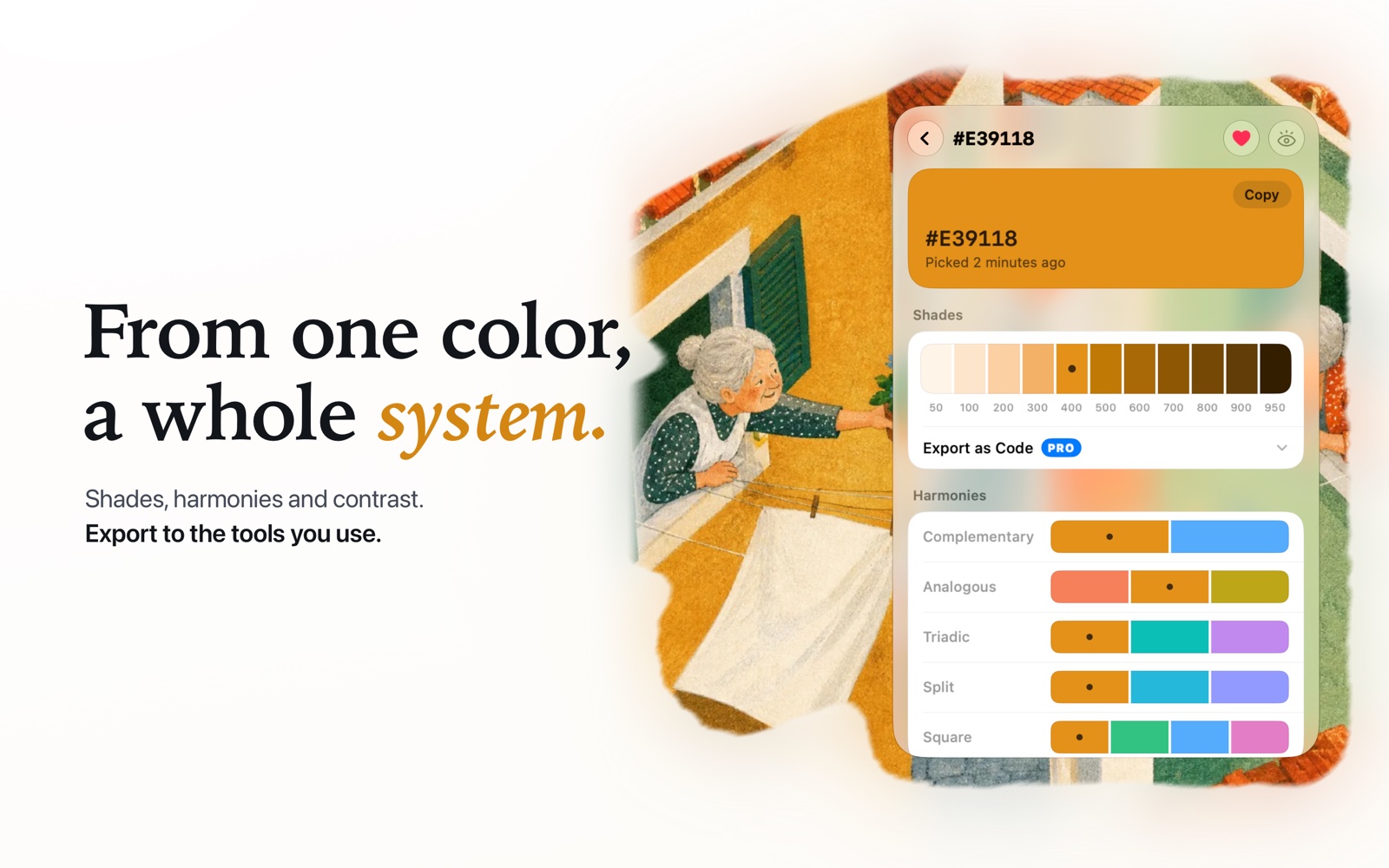
Open a color to see shades from 50 to 950, generated in OKLCH, and its harmonies: complementary, analogous, triadic, split, and square. Tinta also shows its WCAG contrast, and the closest Tailwind, CSS, and Apple system colors. The color-blind preview shows how it looks with Protan, Deutan, Tritan, and Mono vision.
History, Liked, and export
History and Liked keep what you pick. The free download shows the last 7 days. Tinta Pro shows the full history. Export a palette as an Apple Color List or a GIMP palette.
Tinta Pro
Tinta Pro is a one-time in-app purchase of $9.99 in the US. It isn't a subscription. It adds:
- The magnifier: zoom from 4× to 32×, a pixel grid, averaging over 1 pixel, 3×3, or 5×5, pixel-by-pixel nudging, and collecting several colors in a row.
- Gradients: drag across a gradient and copy it as CSS, SwiftUI, or Tailwind.
- Export shades as Tailwind, CSS variables, Design Tokens, or SwiftUI.
- Export palettes for Adobe (.ase), Procreate, Xcode, and Design Tokens.
- The full history, not just the last 7 days.
Private by design
No account. Tinta makes no network connections of its own. The only thing that goes online is the Tinta Pro purchase, and Apple's App Store handles that. Capturing an area and the magnifier need the Screen Recording permission, which Tinta uses only to read pixels on your Mac. The App Store privacy label says Tinta does not collect data.
Tinta needs macOS 26.0 or later and is in English.
Get Tinta
Tinta is a free download on the Mac App Store. Tinta Pro is optional, $9.99 in the US, paid once.
Support
Questions, bug reports, or feature ideas? Reach us at [email protected] or in our Discord.