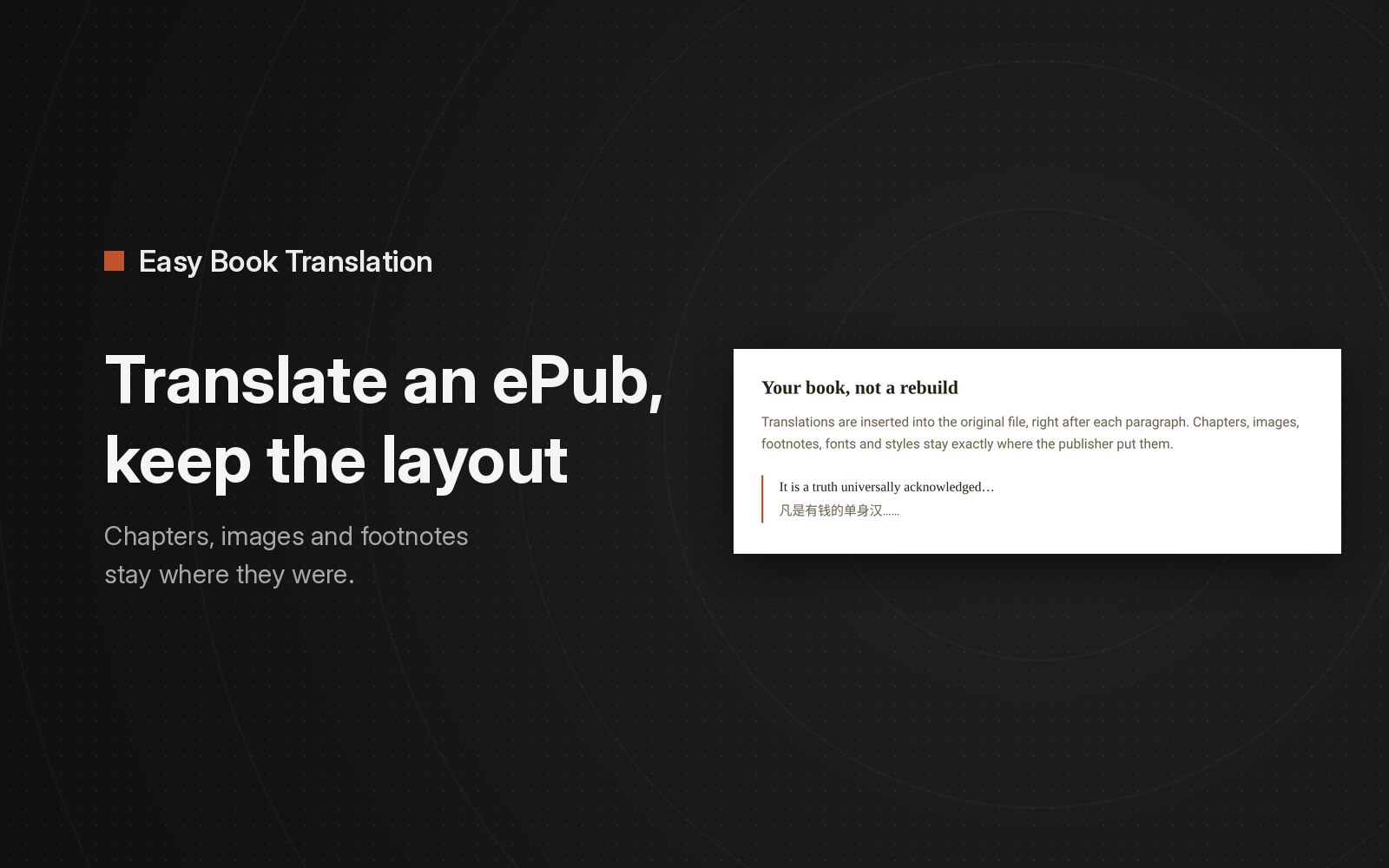
To keep an ePub's layout, translate the text inside the ePub file and leave everything else in it alone. The chapters, table of contents, images, footnotes and styles are separate parts of the file, so a tool that only swaps or adds text keeps them. Layout breaks when you convert the book to PDF or Word just to upload it to a document translator.
An ePub is a ZIP archive with a .epub extension. Inside are the chapters as XHTML pages, the stylesheets, the images and a navigation document that drives the table of contents. That is how the W3C's EPUB 3.3 specification describes it. If a tool leaves those files alone and only changes the text, the layout stays intact.
Why Google Translate and DeepL break ePub formatting
The two translators most people try first don't open ePub files at all:
- Google Translate translates documents in .docx, .pdf, .pptx and .xlsx, up to 10 MB, and PDFs up to 300 pages. Its help page lists no ePub.
- DeepL translates Word, PowerPoint, Excel, PDF, HTML, text, Markdown and many localization formats. Its help center says formats not in its table aren't supported by any DeepL product, and ePub is not in the table.
So people convert the book to PDF or Word, translate that, and convert it back. Each conversion has to reconstruct the book's structure. A PDF stores fixed pages rather than chapters, so the table of contents and reflowable text are lost. Footnote links become plain text. Images can move or drop out. You can still read the text, but the navigation and formatting of the original ePub are gone.
Tools that translate inside the ePub
| Tool | What you get back | Where the translation goes |
|---|---|---|
| Easy Book Translation (web app) | The same ePub with a translation inserted after each paragraph | Under each original paragraph |
| Ebook Translator for Calibre (free plugin) | Any of the formats Calibre can write | Below, above, right or left of the original, or instead of it |
| bilingual_book_maker (free, command line) | A new file named book_bilingual.epub | Under each original paragraph, or translation only with --single_translate |
| Immersive Translate (document translator) | A bilingual or a translation-only ePub | Your choice of bilingual or translation only |
The Calibre plugin is the most flexible if you already use Calibre and want side-by-side columns or a translation-only book. bilingual_book_maker is free and runs on your own machine with Python 3.10 or newer, or Docker, and you connect the translation service yourself. Both expect some setup.
How to check that an ePub kept its layout
Whatever tool you use, open the result and check five things before you read further than chapter one:
- The table of contents opens the right chapters.
- Images are where they were, at the same size.
- A footnote link jumps to the note, and the note links back.
- Headings, italics and block quotes still look like headings, italics and block quotes.
- The cover is still the cover.
When these break, the tool most likely converted and rebuilt the ePub rather than editing the original file.
What Easy Book Translation does
Easy Book Translation doesn't rebuild your book from scratch. Each translation is inserted into the original file, right after its paragraph. Chapters, images, footnotes, fonts and styles stay where the publisher put them. The translation is set in a muted secondary color, so the original still reads first.
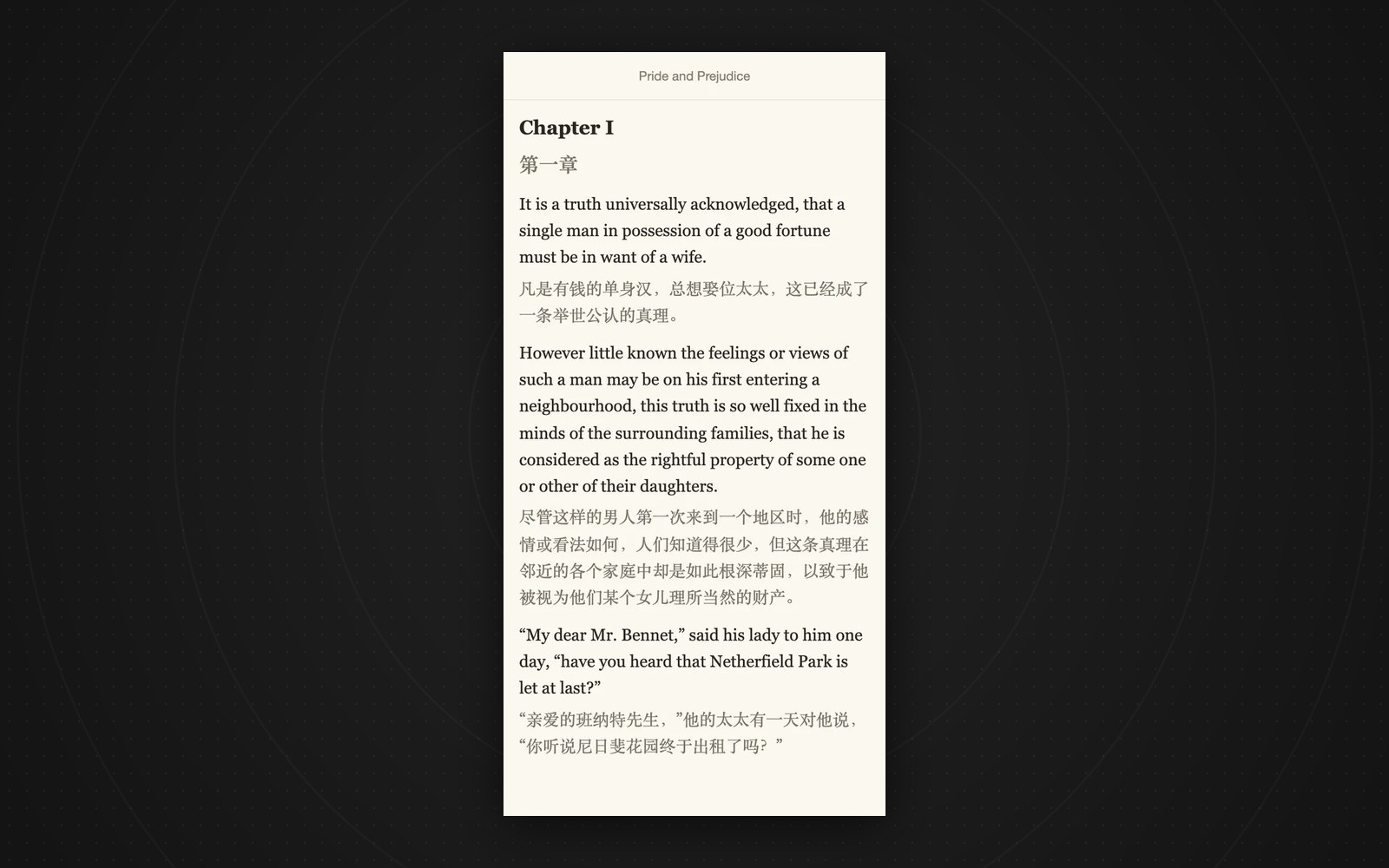
The download is a standard ePub. It opens in Apple Books, Calibre and KOReader. For a Kindle, send the ePub with Amazon's Send to Kindle, which lists EPUB as a supported format.
What it doesn't do:
- It puts the translation under each paragraph. There is no side-by-side column option.
- Files must be ePub, up to 50 MB. Books with DRM cannot be opened.
If names drift across chapters, that is a separate problem from layout. How to keep character names consistent covers that.
Where to get ePubs that will translate
Books with DRM can't be opened, so start from a file without it:
- Public domain books from Project Gutenberg, where most book pages offer an EPUB download.
- Standard Ebooks, a volunteer project that publishes carefully formatted public domain ePubs for free.
- DRM-free purchases, and your own writing.
Upload one on the Easy Book Translation home page and the free preview translates the opening chapters before you pay anything. That is enough to run the five checks above on your own file.
Short answers
Can Google Translate translate an ePub? No. Its document translator takes .docx, .pdf, .pptx and .xlsx files.
Can DeepL translate an ePub? No. ePub is not in DeepL's list of supported file formats, on the web, in the apps or in the API.
Can I translate an ebook I bought? Only if the file has no DRM. Easy Book Translation can't open DRM-protected files.