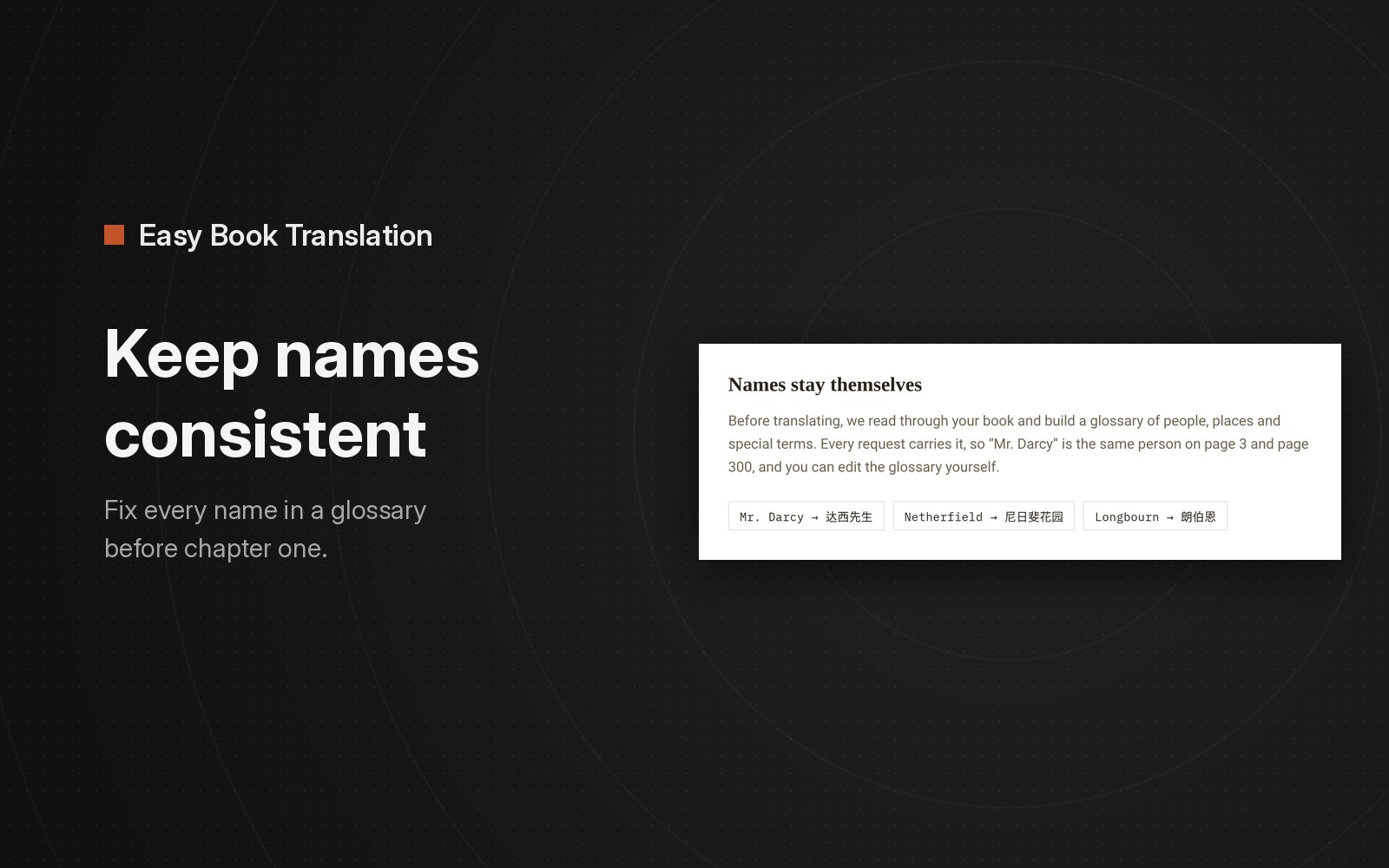
To keep names consistent, decide how every name will be written before the first chapter is translated, and make every part of the book use that list. The list is a glossary: one line per person, place or invented term, with the one rendering you want. Then search the finished book for the variants you were worried about.
Most tools translate a novel in pieces rather than in one request. Each piece is translated on its own, and without a shared list nothing tells piece 40 how piece 3 spelled the hero's name. The documentation for the open-source TranslateBooksWithLLMs project has a clear example: without a glossary, one character in a Chinese novel came out as Li Fanqing, Li Fan Qing, Lee Fanqing and Li Fan-qing across four chapters.
Why names drift in a machine-translated book
A common noun usually has one obvious translation. A name often has several acceptable ones: a transliteration, an established name from a published edition, or a title plus a surname. The model picks one per piece, with no guarantee it makes the same choice in the next chapter.
Forms of address make it worse. In Pride and Prejudice, "Mrs. Bennet", "his lady" and "his wife" all point at one person. In Chinese to English, a title like 趙貴翁 needs to stay "Old Mr. Zhao" every time, or the reader will think a new person has entered the scene.
What to put in a novel translation glossary
Write the glossary before you translate, and keep it short enough to read in one sitting:
- People, including the nicknames and titles readers will see often.
- Places, especially houses and estates that sound like ordinary words.
- Invented terms: ranks, spells, organizations, slang the author made up.
- One convention per language, decided up front:
- English into Chinese: classics often have established Chinese names, so use them. In Easy Book Translation's Pride and Prejudice sample, Mr. Bennet is 班纳特先生 and Netherfield Park is 尼日斐花园.
- Western names into Japanese: katakana, like ベネット and ネザーフィールド・パーク.
- Chinese into English: pinyin, with titles and family terms in English.
Skip names and terms that only appear once, since they can't drift across chapters.
Tools that keep names consistent in an ePub translation
| Tool | How names are fixed | Who writes the list |
|---|---|---|
| Easy Book Translation | A glossary of names, places and terms is built from the whole book before translation starts, and every translation request uses it | Built for you, and you can edit it |
| bilingual_book_maker (free, open source) | --glossary reads a file of term-to-translation lines, on the OpenAI- and Codex-style routes for EPUB, Markdown and PDF books. Session mode keeps recurring names stable, and --glossary-auto on (off by default) keeps the renderings it settles on | You write the file, or turn on the automatic option |
| Ebook Translator for Calibre (free plugin) | A .txt glossary file, used when you tick Enable in the settings (unticked by default) | You write the file |
| DeepL API | Glossaries attached to text or document requests | You create the glossary. Its document formats do not include ePub |
The open-source tools give you more control over the list and over the model. With a manual glossary file, though, you still have to spot and type out the recurring names yourself before you start.
How Easy Book Translation keeps names the same
We built Easy Book Translation for full-length books. When you upload an ePub, it reads the book and builds a glossary of recurring names, places and terms before translating. Every part of the book is translated with that glossary, and you can review and edit it.
You can see the result in the free sample ePubs on easybooktranslation.com. In the first chapter of The Great Gatsby, 153 paragraphs into Simplified Chinese, Daisy appears 30 times and is 黛西 all 30 times. Gatsby is 盖茨比 all 12 times. In chapters 1 and 2 of Pride and Prejudice, Bennet is 班纳特 all 15 times.
The glossary example on the home page uses the same book: Mr. Darcy → 达西先生, Netherfield → 尼日斐花园, Longbourn → 朗伯恩.
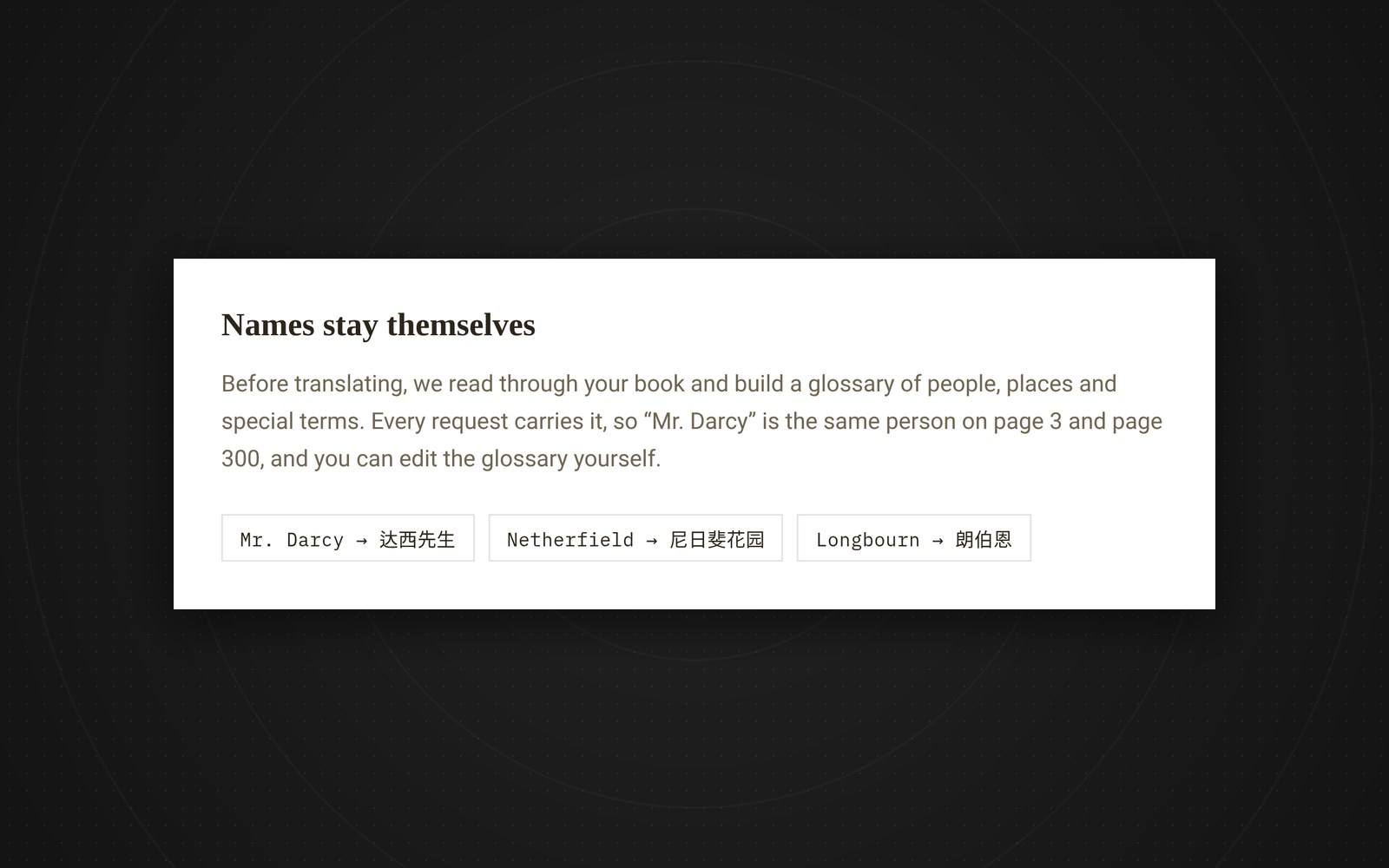
If a name still isn't rendered the way you want, change it in the built-in editor, which covers every paragraph and the glossary, and export the ePub again. For the overall voice there is an optional Translation style box in your account settings, for instructions like "keep the English close to the Chinese".
Check the names before you pay for the whole book
The free preview translates the opening chapters of your own ePub. Main characters usually show up in the opening chapters, so the preview lets you catch a name you would render differently before paying. You can run three free previews a day without a card.
How to check name consistency after translating
With any tool, once the full book is done:
- Search the translated text for the main character's name. Count the hits against the original name.
- Search for the variant spellings you want to avoid, and make sure nothing comes up.
- Check the last chapter as well as the first, because drift can show up late in a long book.
A glossary keeps spellings consistent. It won't sort out an ambiguous "he" in a long paragraph or improve flat phrasing, so you still need to read and edit for those.
To try it on your own book, start at the ePub translator page on easybooktranslation.com.