A parallel text, also called a bilingual or dual-language book, puts a book in the language you are learning next to a translation in a language you already read. Read the original paragraph first, and look at the translation only when you are stuck or want to check what you understood. Then go back to the original and keep reading. You stay in the book instead of switching to a dictionary every time you hit an unfamiliar word.
Facing pages vs. paragraph by paragraph on a phone or Kindle
Printed parallel texts put the original on one page and the translation on the facing page. Penguin Random House's Penguin Parallel Text series works this way. It currently lists seven short-story anthologies, in Chinese, French, German, Italian, Japanese, Russian and Spanish, each with facing-page English translations.
Facing pages need a fixed page. A reflowable ePub on a phone or a Kindle rearranges the text to fit the screen, so there is no facing page to put the translation on. Putting each translation right under its original paragraph works at any screen size, so Easy Book Translation formats books that way.
The trade-off is that you see the translation whether you want it or not. Easy Book Translation sets it in a muted color, so the original stays the main text and your reader's font and theme settings apply to both.
Should you read the original or a translation into the language you're learning?
There are two ways to build a parallel text, and they teach different things.
| You upload | Translated into | What you read closely |
|---|---|---|
| A book written in the language you are learning | Your own language | The author's real prose. The translation is only the check. |
| A book in your own language, one you know well | The language you are learning | A machine translation. Good for vocabulary and reading speed, not a model of style. |
The first direction is the classic one. The second is useful when the books you want are not in the language you are learning. If you already read some Chinese, for example, upload an English book you know well and read the Chinese under each paragraph.
The second direction has a clear trade-off. Our Japanese output reads like a careful literal translation and stays a little closer to English sentence order than a published literary translation. That helps when you line up the two sentence by sentence, but it is not a model for how Japanese novelists write. The translation also has no furigana or romaji. Most reading apps can look up a reading when you long-press a word.
How to pick the book
- Pick a book you actually want to finish, so you don't quit halfway through.
- Start with a book you have already read in your own language, so you already know what is happening.
- Short paragraphs are easier than long ones. Dialogue-heavy fiction gives you more small chunks to check.
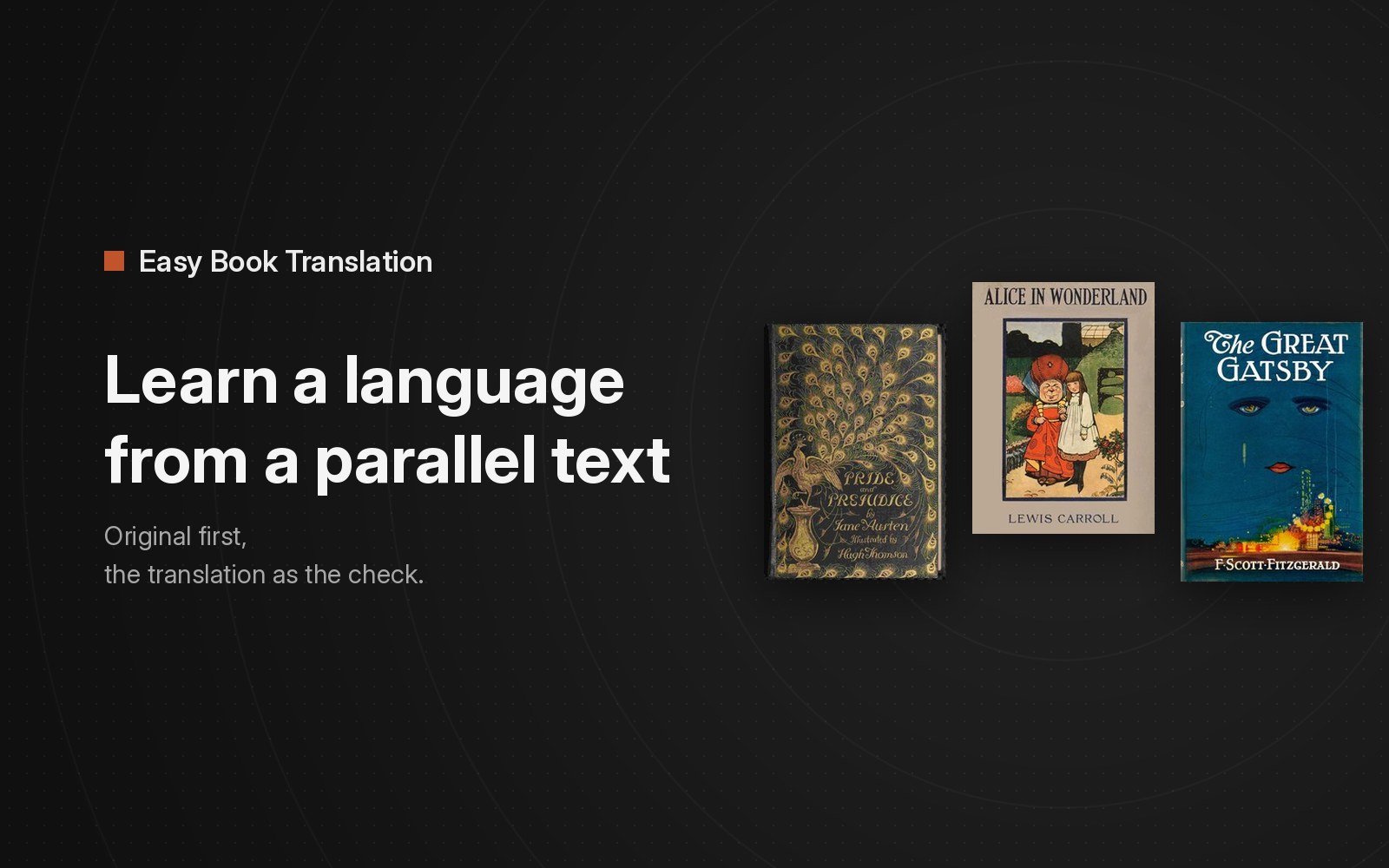
- Read a sample first. Easy Book Translation's free samples are chapters 1 and 2 of Pride and Prejudice and chapter 1 of Alice's Adventures in Wonderland and The Great Gatsby, in English with Simplified Chinese under every paragraph.
How to read a parallel text ePub on a phone or Kindle
Easy Book Translation's output is a standard ePub:
- Apple Books, Calibre and KOReader open it directly.
- For a Kindle, upload it with Amazon's Send to Kindle, which accepts EPUB files.
Each translation is its own paragraph in a gray color. How that gray shows depends on the device and your reading settings, so try one of the free sample ePubs on your Kindle before you translate a whole book.
How to make a parallel text from any ePub
Easy Book Translation takes a DRM-free ePub, up to 50 MB, and returns the same book with a translation under every paragraph. Chapters, images and footnotes stay where they were. Easy Book Translation translates into 14 languages: Simplified and Traditional Chinese, English, Spanish, Japanese, Korean, French, German, Portuguese, Malay, Indonesian, Vietnamese, Thai and Arabic.
Pricing on easybooktranslation.com:
- Free preview: the opening chapters of your own book, three previews a day. Enough to see whether the level is right.
- Per book: from $0.99. The exact price is shown before you pay.
- A $9.9 monthly plan is also available.
For how the glossary keeps names the same across chapters, see how to keep character names consistent. To make your own parallel text, start at the bilingual ebook maker on easybooktranslation.com.